Tap to Pay on iPhone
Accept contactless payments right on your iPhone.
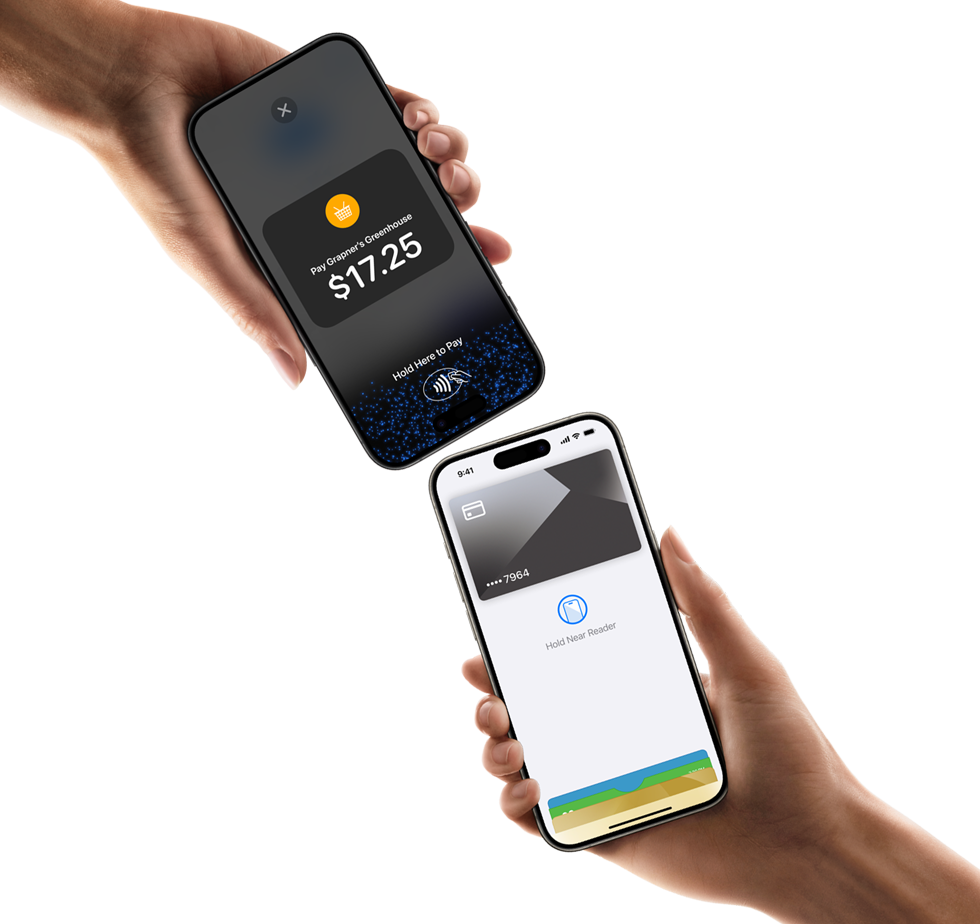
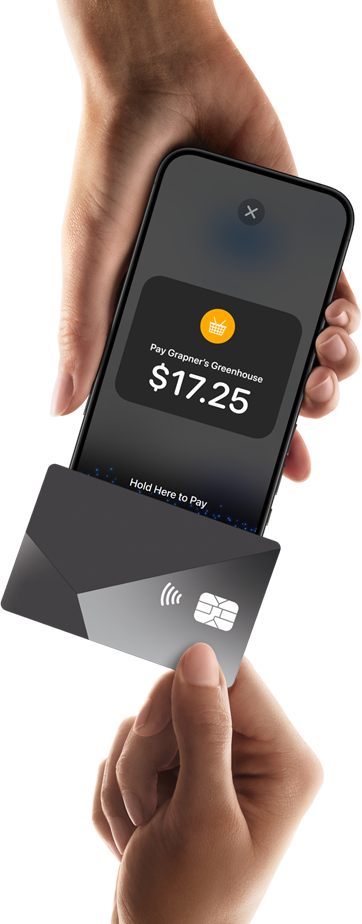
With Tap to Pay on iPhone and Nearpay, you can accept all types of in-person, contactless payments — from physical debit and credit cards to Apple Pay and other digital wallets. It's easy and secure, and no additional hardware is needed. All you need is iPhone.
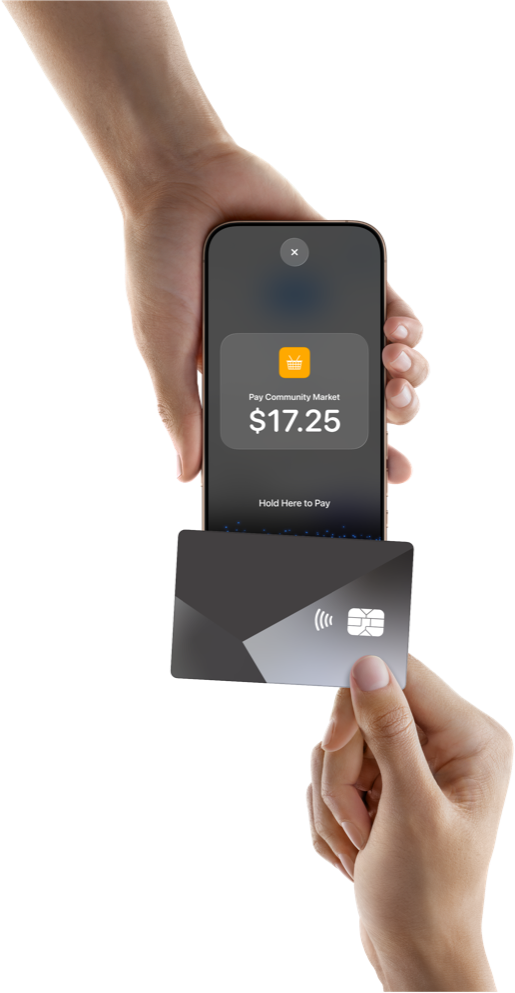
How it works.
Expand where you do business.
With Tap to Pay on iPhone, anyone can do business in more places simply by accepting contactless payments right on iPhone. The checkout experience makes it easy to reach new customers, take payments on the go, and explore new setups, like line busting. All you need is iPhone and the Nearpay Go app.
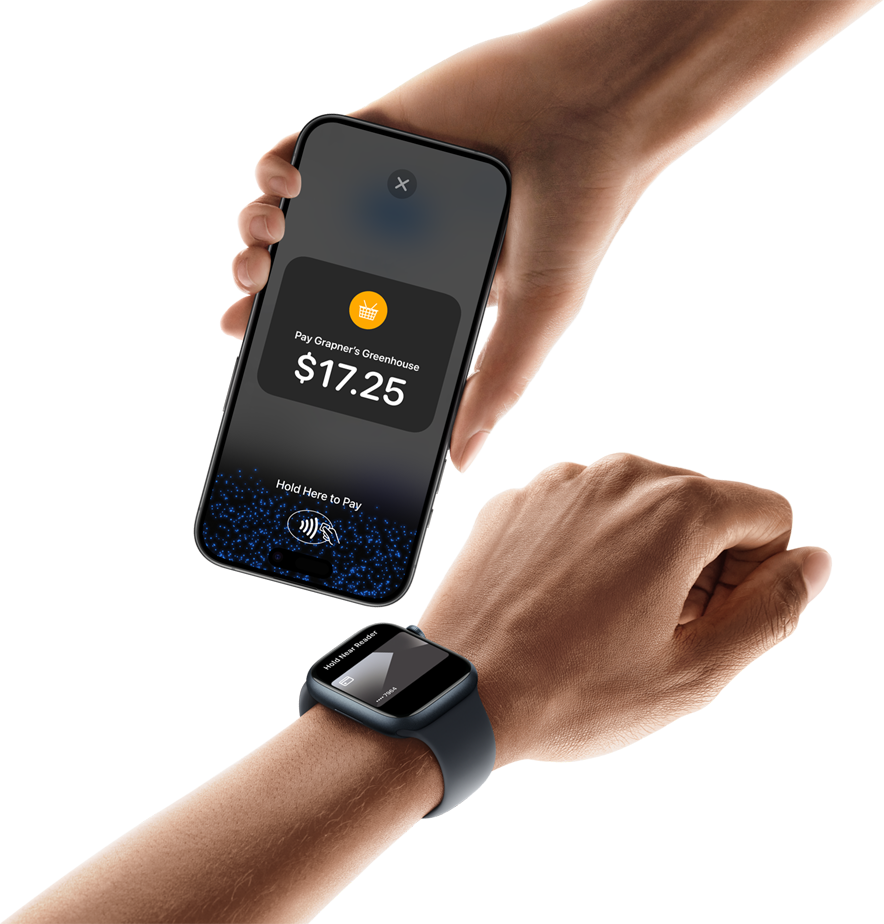
No additional hardware.
There's no need to invest in and manage card readers and terminals, so Tap to Pay on iPhone makes it simple to start a new business or expand a current one. With just an iPhone and the Nearpay Go app, anyone can accept contactless payments. It's that simple.
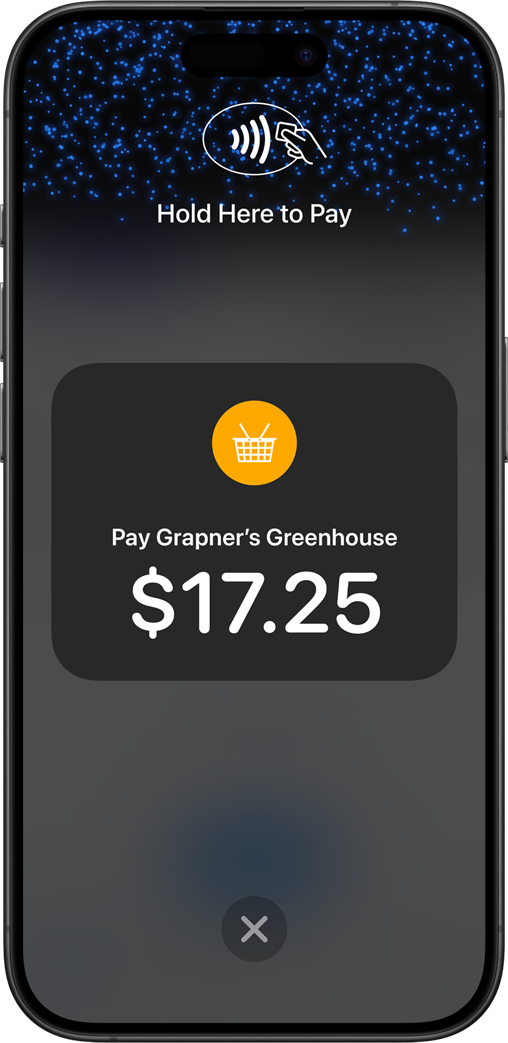
Privacy and security built in.
Tap to Pay on iPhone uses the built-in security and privacy features of iPhone. When a payment is processed, Apple doesn't store card numbers on Apple servers — helping to protect your business and customer data. So merchants and customers can rest assured that their data stays theirs.
No recording.
When a payment is processed, Tap to Pay on iPhone is designed to prevent all photo, video, screenshot, and screen-recording features from capturing a customer's card number.

Easily enable Tap to Pay on iPhone in your app.
Using Tap to Pay on iPhone with Nearpay Go removes the complexities of developing and maintaining a custom payment product. It provides a fully certified solution that you can easily enable in your app.
Nearpay requirements
What partners need to launch their app.
- A partner application or distribution channel
- Payment rails / processing setup to connect with Nearpay
- A deployment path: Nearpay SDK or Nearpay Go
- A merchant onboarding and activation flow
nearpay.purchase(amount, { onPaymentApproved: (result) => { // your implementation }, onPaymentDeclined: (result) => { // your implementation }});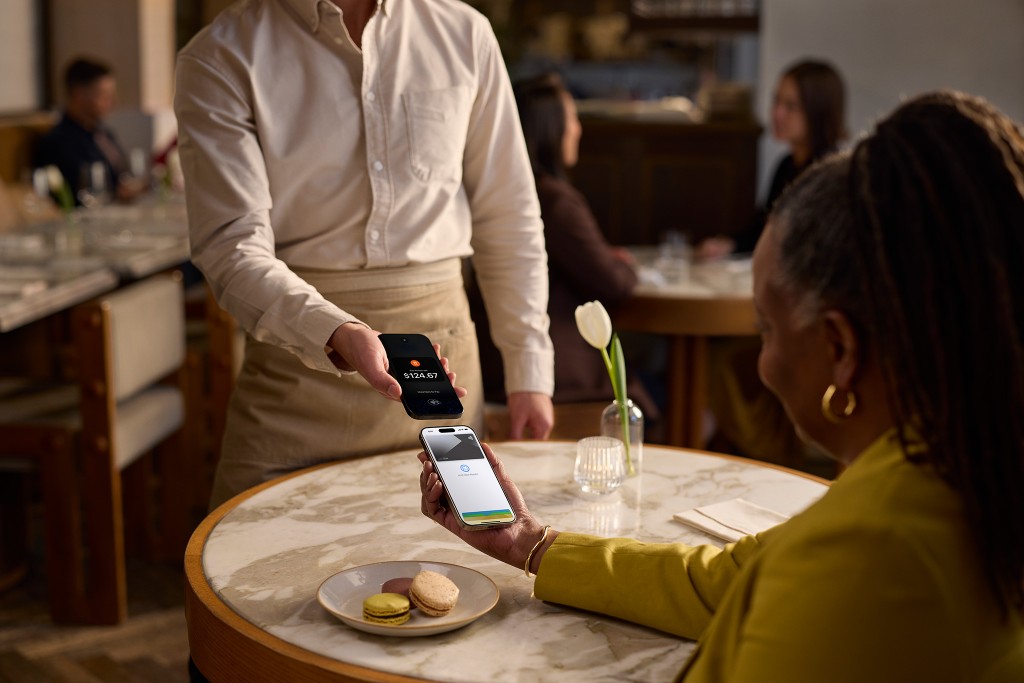
Get started
Ready to offer Tap to Pay on iPhone to your merchants?
◊ Legal DisclaimersTap to Pay on iPhone Requirements: Tap to Pay on iPhone requires a supported payment app and the latest version of iOS. Update to the latest version by going to Settings > General > Software Update. Tap Download and Install. Some contactless cards may not be accepted. Transaction limits may apply. The Contactless Symbol is a trademark owned by and used with permission of EMVCo, LLC. Tap to Pay on iPhone is not available in all markets. For Tap to Pay on iPhone countries and regions, see developer.apple.com/tap-to-pay/regions.
Tap to Pay on iPhone Encryption and Storage: Encrypted card numbers are temporarily stored on iPhone only for transactions made in Store and Forward mode.